> For the complete documentation index, see [llms.txt](https://blog.ycfteam.in/yctf-weekly/llms.txt). Markdown versions of documentation pages are available by appending `.md` to page URLs; this page is available as [Markdown](https://blog.ycfteam.in/yctf-weekly/writeups/yctf0x02.md).
# 🚩YCTF0x02
YCTF Weekly 2 writeups
## 1. Easy
**Category:** Reverse Engineering
**Description:** Dude, It's an easy challenge.
**Challenge file: \**
**Credit:** [**Munazir**](https://blog.ycfteam.in/yctf-weekly/)
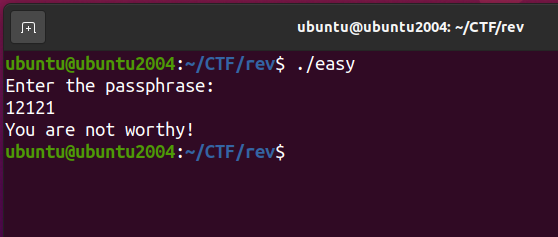
Solution: Executing the binary on linux asks for the password.
Now, use strings to get the exact matching pattern for passphrase.
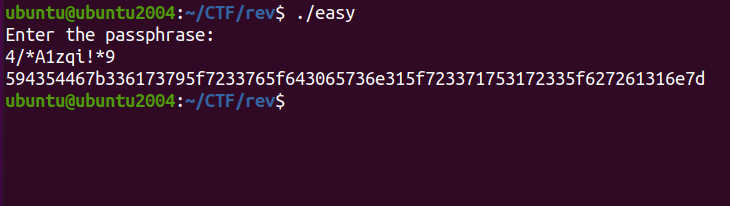
We got some strange string `4/*A1zqi!*9` before the Passphrase, let's try to enter the string when asked for the password.
After we enter the passphrase, we get something in HEX format.
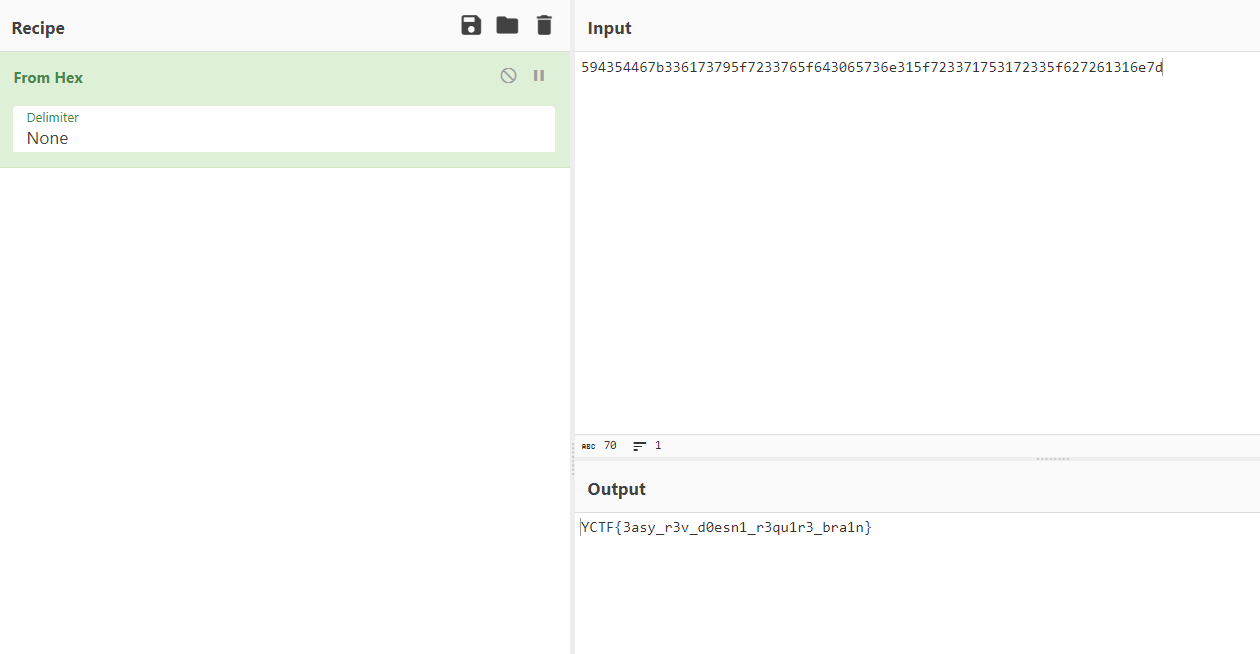
`594354467b336173795f7233765f643065736e315f723371753172335f627261316e7d`
Pasting on cyberchef, we get the actual flag.
## 2. Never found
**Category:** Miscellaneus
**Description:** My friend is spying on our ycfteam website. But the page he was trying to access was never found later.
**Link:** [**https://ycfteam.in**](https://ycfteam.in)
**Credit:** [**Munazir**](https://blog.ycfteam.in/yctf-weekly/)
**Hint:**
**Solution: Understand the challenge name and description, what does it say?**
**`Never found` Which indicated/ similar to Not found. searching the Archive web for the 404 not found page on `https://ycfteam.in/404`,**
**We get the flag!**
## 3. Cookie
**Description:** Well, there is only one way to survive.
**Link:** [**https://cookiechallenge.pythonanywhere.com/**](https://cookiechallenge.pythonanywhere.com/)
**Credit:** [**Munazir**](https://blog.ycfteam.in/yctf-weekly/)
**Solution:** Visiting the URL, we get the following page to enter the name. Some of you might think it is vulnerable to XSS. But hold on!
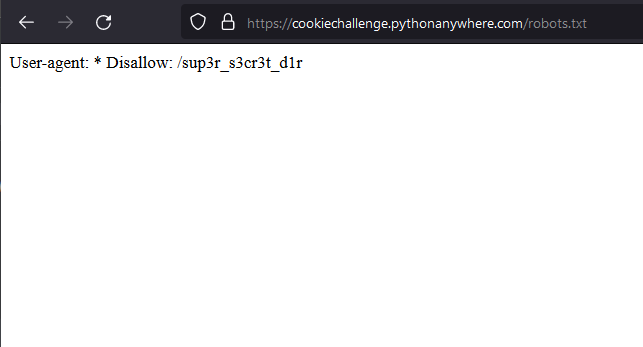
Directory bruteforcing will lead to the following result which reveals `/cookie` and `/robots.txt`
Visiting the robots.txt, we get another directory `/sup3r_s3cr3t_d1r`
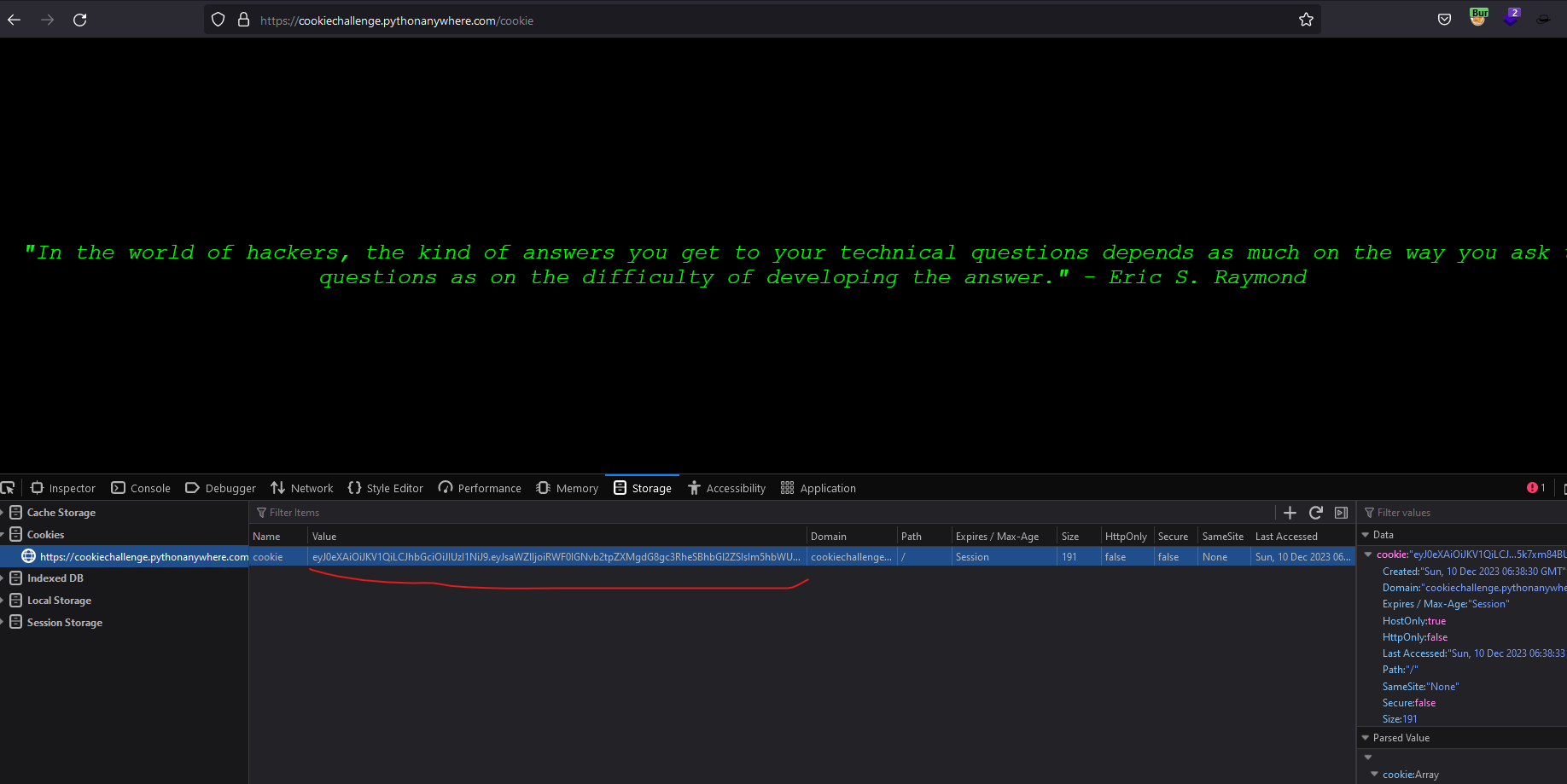
Visiting `/cookie` directory to get the cookie, and we get the JWT token.
Take the token and paste it on change the values as admin: true and answer: yes
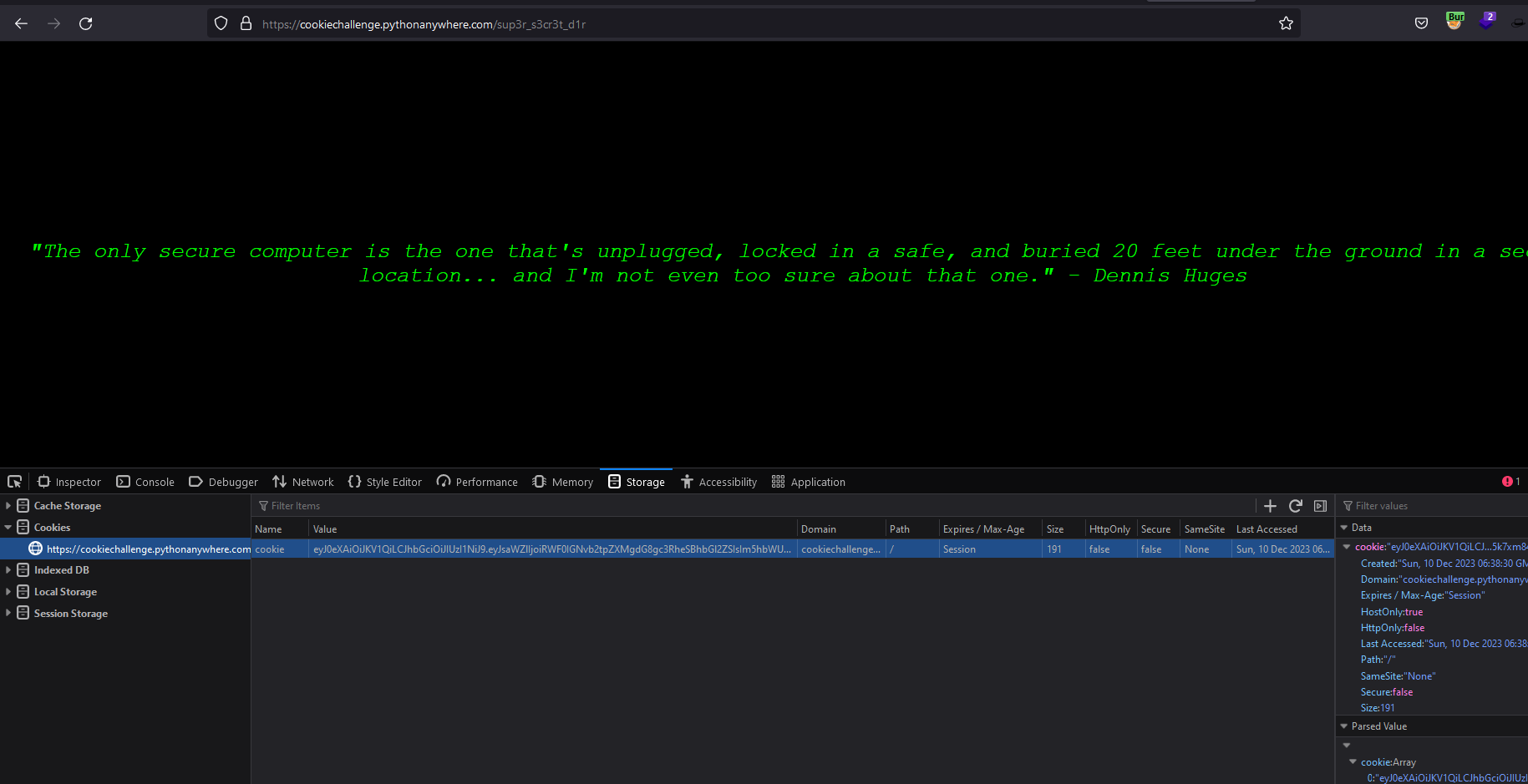
Now visit the `/cookie` again and change the cookie and refresh the page.
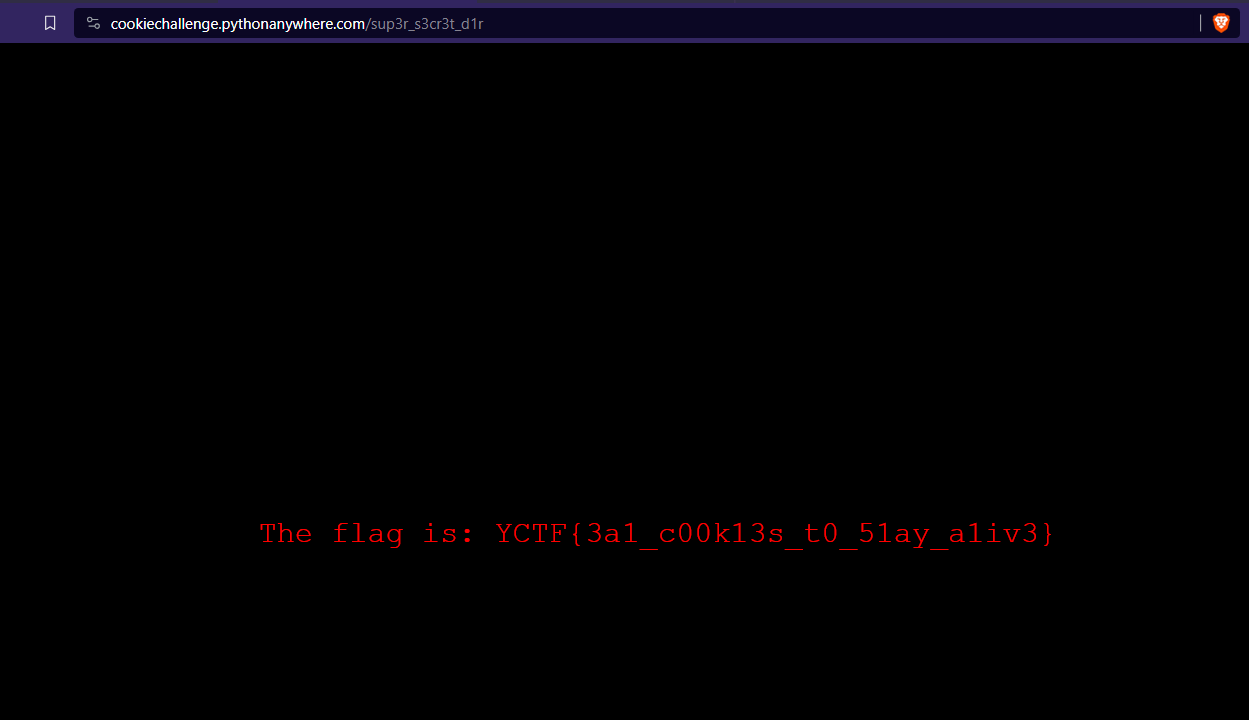
Then visit the `/sup3r_s3cr3t_d1r` again to get the flag!!!!
## 4. IE10.1
**Description:** Don't run away from problems; facing and solving them is the key to success.
**Link**:
**Credit:** Gourav Suram
**Writeup link:** [**https://heapbytes.gitbook.io/notes/ctf-writeups/2023-ctfs/yctf-week-2-9-dec-23/web-security**](https://heapbytes.gitbook.io/notes/ctf-writeups/2023-ctfs/yctf-week-2-9-dec-23/web-security)
## 5. Confluence
**Description:** Help my friend to download the flag.
**Link:** [**http://139.59.45.27:8090/admin/flag.tar.gz**](http://139.59.45.27:8090/admin/flag.tar.gz)
**Credit:** [**Munazir**](https://blog.ycfteam.in/yctf-weekly/)
**Writeup credit:** Gourav Suram
**Writeup link:** [**https://heapbytes.gitbook.io/notes/ctf-writeups/2023-ctfs/yctf-week-2-9-dec-23/web-security/confluence**](https://heapbytes.gitbook.io/notes/ctf-writeups/2023-ctfs/yctf-week-2-9-dec-23/web-security/confluence)
## 6. VM Writeup